
Run an agent
Launch Claude Code, Codex, OpenCode, or Pi in a box and attach or detach sessions
AgentBox runs Claude Code, OpenAI Codex, OpenCode, and Pi inside a box, in a detachable tmux session — so you can leave the agent working, detach, and reattach later.
The agent verbs (claude, codex, opencode, pi) each create the box if it doesn't already exist, start the agent, and attach you. They share all agentbox create flags — see CLI commands — plus session-resume and attach controls. This page assumes you've read core concepts; the project-teleport mechanics live in teleport a project.
NOTE
<box> is optional almost everywhere — it defaults to the single box for the current project. Otherwise pass its short index (1, 2, …), name, or id prefix.
Launch an agent
agentbox claude is the one-liner: it creates a box (snapshotting the current directory), starts Claude Code in a detached tmux session, and attaches you. agentbox codex, agentbox opencode and agentbox pi have the identical shape.
agentbox claude                       # create a box + start Claude Code, then attach
agentbox claude -- --model sonnet     # pass extra args through to claude
Target another directory with -w, and put pass-through args after --. Boxes get an auto-numbered name by default; pass -n <name> to label one. The first run pulls or builds the agentbox/box:dev image (~1 GB, one-time) and offers a setup wizard that installs project deps and your dev server. See local Docker for the image and services and tasks for the wizard.
$ agentbox claude
log: ~/.agentbox/logs/claude.log
Starting Claude in a box...
> Run setup wizard? › Yes
  ...box ready...
attaching — Control+a d to detach, leaves claude running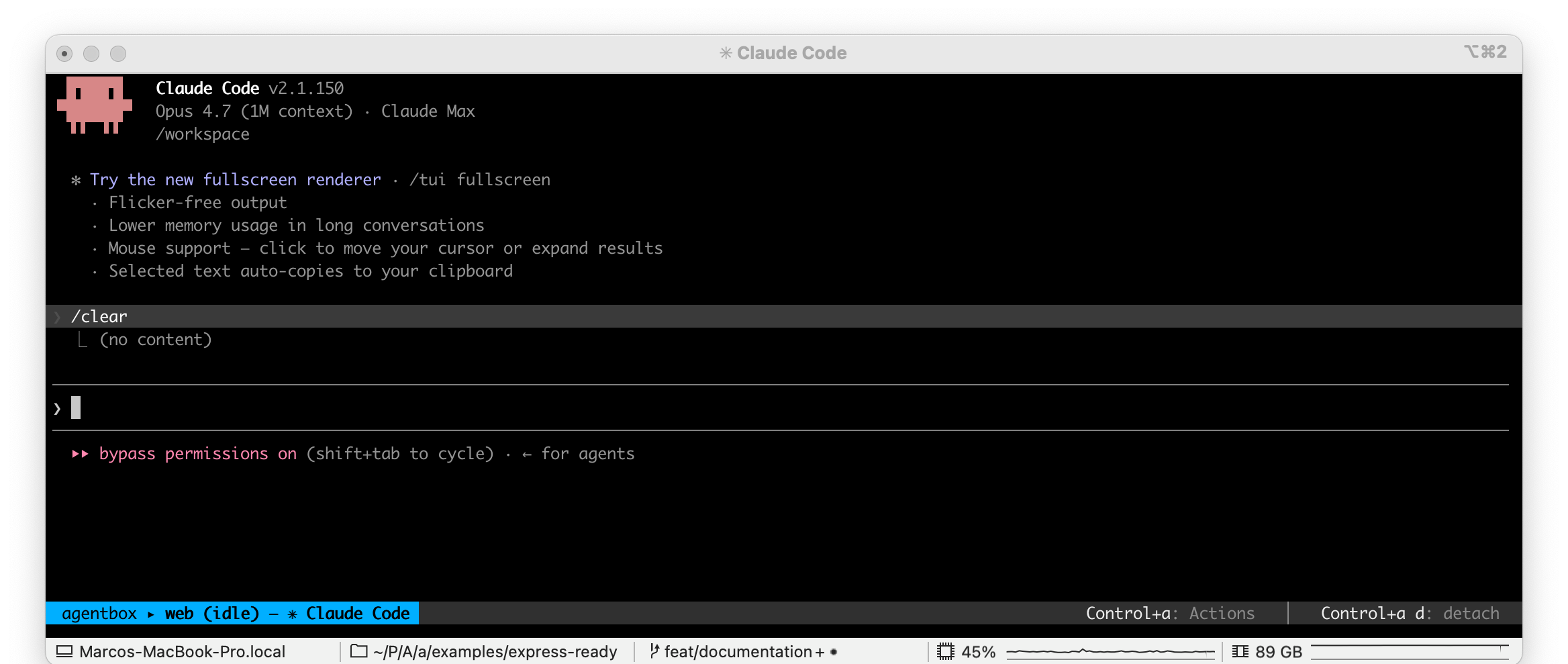
Detach and reattach
The agent runs in a detachable tmux session whose prefix is Control+a (not the usual Ctrl-b). Press Control+a then d to detach — the agent keeps running in the box.
Control+a also opens an actions menu: c (VS Code / Cursor), s (noVNC screen), u (box URL), t (a fresh shell in the same box, opened in a new tab), and k (destroy the box, after a confirmation). The shell tab opens as a cmux surface in the current workspace, a new tmux window, or a new iTerm2 tab depending on your terminal.
Reattach with agentbox attach — it picks the running agent session in the box automatically. Resync your host config and (re)start a session with agentbox claude start (or codex start / opencode start / pi start).
# detach from inside the session: press Control+a then d
agentbox attach 1                     # reattach to whichever agent is running on box 1
agentbox claude start mybox           # start a session (resyncs host ~/.claude)
agentbox attach is agent-agnostic — if multiple agent sessions live in the same box it prompts you to pick. It never auto-starts: when nothing is running it prints a warning and exits non-zero. To start a fresh session use the agent's own command (agentbox claude, codex, opencode, pi) — start also resyncs your host config so new skills, plugins, or a fresh login flow into the box. For --attach-in, --no-attach, and the other attach controls, see CLI commands.
HEADS UP
attach never resyncs your host ~/.claude (skills, plugins, login). After installing a new
skill or signing in on the host, use claude start (or a fresh agentbox claude) so the box
picks it up.
Switch agents
Codex, OpenCode and Pi follow the identical flow — agentbox codex / agentbox opencode / agentbox pi, each with attach, start, and login subcommands.
agentbox codex                        # OpenAI Codex in a box
agentbox opencode                     # OpenCode in a box
agentbox pi                           # Pi in a box
agentbox dashboard                    # switch between running boxes/agents
Auto-approve is on by default because the box is isolated from your host; pass --no-dangerously-skip-permissions to keep the agent's own approval prompts. Pi has no such flag — it ships with no permission prompts at all, which is why its own docs recommend running it in a container. Each agent shares an identity volume across boxes by default — opt out per box with --isolate-claude-config (and the codex/opencode/pi equivalents). See configuration and CLI commands.
You can run different agents in different boxes for the same project and switch between them with agentbox dashboard. Claude, Codex and Pi resume sessions; OpenCode does not yet (resume starts a fresh box).
A box carries only the agent you launched it for — its binary, its config volume and its credentials. agentbox claude gives you a box with no Codex, OpenCode or Pi credentials in it at all. If you later point another agent at that same box (from agentbox dashboard, or by running agentbox codex <box>), AgentBox installs it on first use, which adds a few seconds to that one launch.
WHY
An agent you aren't using has no reason to have its login sitting in the box. Shipping only the selected agent also keeps the image smaller — the base image carries no agents at all, and each agent is added to the variant you actually ask for.
WHY
Auto-approve is safe to default on because the box can't touch your machine — it's isolated from the host. The agent works without stopping to ask, and you keep your laptop clean.
First-run auth
Credentials are handled on the host and seeded into every box (macOS Keychain doesn't transfer into containers). On the first agentbox claude with no credentials, AgentBox offers an interactive sign-in that's saved and reused by every future box. Skip it with -y (or in CI) and claude will prompt you to /login inside the box.
agentbox claude login                 # sign in once, reused by every box
agentbox codex login                  # device-auth flow for Codex
agentbox opencode login -- --provider anthropic
agentbox pi login                     # opens Pi's TUI; run /login, then /exit
Sign-in runs in a throwaway container, but the agent's own login TUI never takes over your terminal: AgentBox drives it behind the scenes, prints the approval URL, and prompts you for the code (or API key) itself. That keeps the flow identical in every terminal emulator.
Pi is the exception, and not by omission: its only sign-in is the in-TUI /login slash command, so there is no prompt sequence a host can drive. agentbox pi login hands your terminal to Pi itself — run /login, pick a provider, then /exit, and the captured auth.json is reused by every later box. Pi also reads ANTHROPIC_API_KEY, OPENAI_API_KEY, GEMINI_API_KEY and the other provider keys straight from your environment, which is the headless path.
Two escape hatches:
--interactivehands your terminal to the agent's own login TUI — the old behavior. Use it for a login method the guided prompt can't drive (an exoticagentbox claude login -- --sso, or OpenCode's GitHub Copilot picker, which AgentBox falls back to automatically).--headless(claude, and the automatic choice with no TTY) prints the URL and a greppableAGENTBOX_LOGIN_URL=marker, then you finish withagentbox claude login --code <CODE>— so an orchestrating agent can drive the sign-in. Codex's device-code flow needs no keystroke at all, so it already works without a terminal.
$ agentbox claude
? Sign in with your Claude subscription? (saved and reused by every box) › Yes
✔ Signed in with your Claude subscription — saved for future boxes.
Setting ANTHROPIC_API_KEY / CLAUDE_CODE_OAUTH_TOKEN (Claude) or OPENAI_API_KEY (Codex) on the host forwards it into the box and skips the sign-in offer. Host ~/.claude stays the source of truth — every create / claude syncs it in, so skills, plugins, MCP, and login flow into the next box. Cloud providers capture the login to ~/.agentbox and push it in on create — see hetzner, daytona, and vercel.
Share a login you already have
Some agents can run on a model-provider login another agent holds, so you do not
have to sign in twice. pi and opencode are both multi-provider and both
accept your Codex (ChatGPT subscription) login:
agentbox pi --model-auth codex        # this box
agentbox opencode --model-auth codex
agentbox config set pi.modelAuth codex   # every box; `none` to stop being asked
agentbox create --model-auth codex       # an agentless box, seeded for later
The host copies your Codex login into the box at Codex's own path, and the agent imports it into its own store before its session starts. Coding agents never prompt for this — they have their own sign-in, so it happens only when you ask for it with the flag or the config key.
agentbox create takes the same flag even though it launches no agent: the
login still lands at its own path in the box and is recorded on the box, so the
first agent you start in it later — agentbox pi <box>, agentbox openclaw <box> —
imports it with no second decision from you. There is no agent to read a
per-agent modelAuth key or to ask on your behalf, so on create the flag is
the only way in, and it only accepts logins an agent is known to be able to
borrow (today: codex).
The choice travels with a create that runs on a control box
too — only the name of the login goes over the wire; the login itself is already
in the control box's custody from agentbox hub credentials push, and the box is
seeded from your copy, never from whatever that machine happens to hold.
A box cannot refresh a borrowed login by itself — the provider rejects a refresh from a
different tool. The box works until the copied token expires, and is renewed by agentbox credentials propagate --agent codex, which pushes your host's refreshed login and re-runs the
import. Boxes on their own login (agentbox codex) are unaffected.
Your Claude login is deliberately not shareable this way: a refresh inside a
box would rotate the token and sign you out on the host and in every Claude box.
Use ANTHROPIC_API_KEY for that instead.
Credential sync across boxes
Claude's OAuth refresh rotates the refresh token: the moment any box refreshes, every other copy of that login (the host backup, other boxes) stops working and 401s. AgentBox handles this automatically: the in-box supervisor watches each agent's credential file (~/.claude/.credentials.json, codex/opencode/pi auth.json) and reports a refreshed blob to the host relay, which keeps the newest one (for Claude, expiresAt decides; codex/opencode/pi are last-writer-wins) and pushes it into all your other running boxes — docker boxes via their config volumes (paused ones included), cloud boxes over the provider transport. A paused cloud box is reconciled when it wakes: resume/start compares the box's blobs with the host backup and pushes or captures whichever is newer.
This is on by default; disable it per box with agentbox create --no-credential-sync or globally with agentbox config set box.credentialSync false. A long-running agent session may hold the old token in memory and ask you to /login once even after the file was fixed — restart the session and it picks up the fresh login.
Expired vs. dead
Two different things get called "expired", and only one of them needs you:
- The access token lives about 8 hours and renews itself from the refresh token. A saved login whose access token lapsed overnight is perfectly healthy — AgentBox renews it for you before seeding a cloud box, without asking.
- The refresh token lives about 30 days, and is also what rotation kills. When it has run out (or another copy of the login spent it), nothing can renew it, and only a fresh sign-in helps:
$ agentbox vercel claude
? Your saved Claude login can no longer be renewed. Sign in again? › Yes
Say yes to that prompt only when you see it — signing in when you did not need to spends the shared refresh token, which is exactly what logs your other boxes out.
TIP
Sign in once on the host. Install a skill or sign in there, and the next box picks it up automatically. See configuration and sync and git.
Add an agent AgentBox does not ship
The four built-ins are not the whole list. An agent can also arrive as an npm package, the way a custom provider does:
$ npm i -g agentbox-agent-demo
$ agentbox agent add agentbox-agent-demo
registered demo from agentbox-agent-demo@0.1.0

$ agentbox agent list
claude               built-in
codex                built-in
opencode             built-in
pi                   built-in
demo                 agentbox-agent-demo@0.1.0 (agent API v1)
A path works too, for a package you are developing: agentbox agent add ./my-agent.
agentbox agent remove <package> unregisters it (it does not uninstall the npm
package).
An agent package exports one thing — an agentSpec describing where its config
lives on the host and in the box, how to install it, and what it can do:
export const AGENT_API_VERSION = 1;

export const agentSpec = {
  id: 'demo',
  aliases: ['demo-agent'],
  sessionName: 'demo',
  binary: 'demo-cli',
  install: { kind: 'npm', package: 'demo-cli' },
  dockerVolume: 'agentbox-demo-config',
  staticPaths: [{ hostHomeRel: ['.demo'], boxDir: '/home/vscode/.demo' }],
  credential: {
    /* where its login lives, on the box and in the host backup */
  },
  forwardedEnvKeys: [],
  boxRunEnv: {},
  caps: { resume: false, teleport: 'stub', activitySource: [] },
};
A complete, working example ships in the repo at
examples/agentbox-agent-example
— one dependency-free file. Register it with
agentbox agent add ./examples/agentbox-agent-example to see the whole flow.
agentbox agent add loads the package once, checks the spec, and snapshots it
into ~/.agentbox/agents.json. Everything afterwards reads the snapshot, so no
part of AgentBox has to import your package to know the agent exists — and your
agent's host config is staged into every cloud provider's snapshot from those
staticPaths alone.
NOTE
A package cannot claim the name — or an alias — of a built-in agent; agent add refuses it, so
nothing can quietly take over agentbox claude.
Next steps
- Access your box — shell, VS Code/Cursor (
agentbox code), the dashboard. - Web apps and tunnels —
agentbox urlfor the box's dev server. - Background and parallel —
-i/--initial-prompt,--no-attach, and running many boxes at once. - Run boxes from a deployed hub — deploy the hub to a VPS so cloud boxes keep working, and spawn them from a browser, with your laptop off.
- Checkpoints and pausing —
--snapshot, pause/unpause. - Teleport a project —
-c/--continue,--resume, and how the workspace and git reach the box.